
























A Beginner's Guide to App Versions and Updates
Just like the apps you use on your own phone, your restaurant's branded app needs occasional updates to keep everything running smoothly. These updates introduce new features, fix bugs, improve performance, and help keep your app secure. Here's what app versions mean, how updates work, and how to make sure your customers can access the latest features.
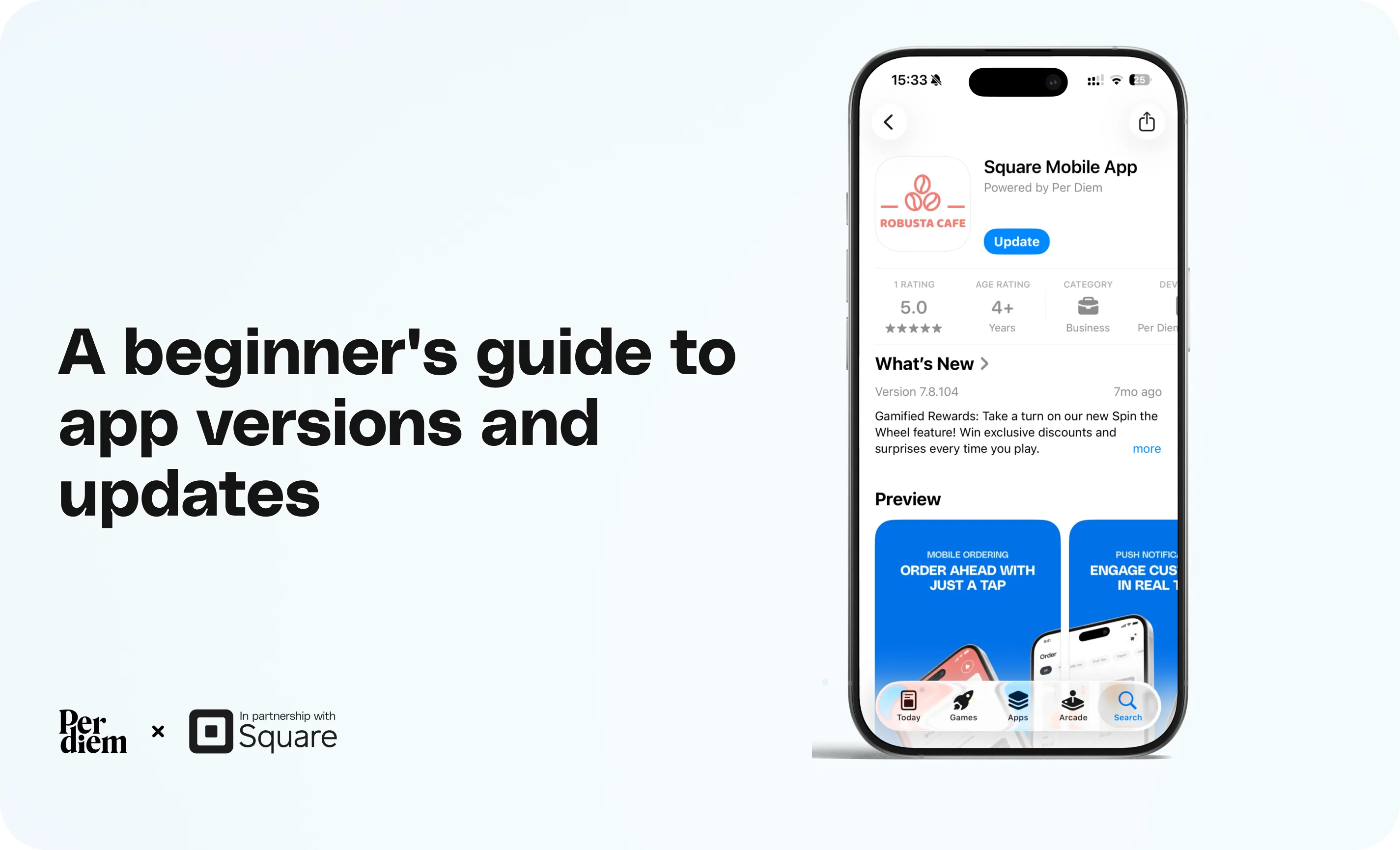
On iPhone:
- Open the App Store.
- Search for your restaurant's app.
- Open its listing and tap Update, if available.
On Android:
- Open the Google Play Store.
- Search for your restaurant's app.
- Open its listing and tap Update, if available.
Still require support?
Contact supportWhat is an app version?
An app version is a number, such as 7.17.0 or 7.18.0, that identifies a particular release of your app.
Each new version may include features, improvements, or fixes that weren't available in previous versions. Generally, a higher version number means a newer release.
Why do apps need updates?
App updates help keep your customers' ordering experience running smoothly. They typically include:
- New features: Additional capabilities and improvements to the ordering experience.
- Bug fixes: Solutions to issues customers may have experienced.
- Better performance: Improvements to app speed, stability, and reliability.
- Security and compatibility: Updates that help your app work safely with newer devices and operating systems.
Not every change requires a new version. For example, menu prices, item descriptions, and certain settings can be updated directly through your Per Diem dashboard.
However, changes that affect how the app itself works may require a new version.
How do app updates reach customers?
When a new version is ready, it goes through a few steps:
- Development and testing: Per Diem prepares and tests the updated app.
- Store submission: The new version is submitted to Apple's App Store and Google Play.
- Review and release: Once any required reviews are complete and the update is published, it becomes available for customers to install.
Customers with automatic updates enabled may receive the new version automatically. Others may need to update manually.
Why might a new feature not appear in your app?
Sometimes, a feature may be available in the Per Diem dashboard but not yet visible in your branded app.
For example, if a feature requires a newer version, and customers are using an old version may not be able to use it.
This can happen because the newer version hasn't been published for your app yet, or because a customer hasn't installed the available update.
How to update your app on iPhone or Android
You and your customers can update the existing app directly from the respective app store.
On iPhone:
- Open the App Store.
- Search for your restaurant's app.
- Open its listing and tap Update, if available.
On Android:
- Open the Google Play Store.
- Search for your restaurant's app.
- Open its listing and tap Update, if available.
If the store shows Open instead of Update, a newer version may not currently be available for that device.
There's no need to download a separate app or create a new account.
What should you do as a merchant?
Keep your own branded app updated so you can test new features and see what customers experience.
Whenever Per Diem announces a feature, check whether it requires a minimum app version. If it does, make sure that version is available for your app and encourage customers to install the update.
Need help checking your app version or getting the latest update? Contact our support team, and we'll be happy to help.
Still have questions?Contact us
Ask anything or just say hi