



















How to Automate Restaurant Marketing With Customer Journeys
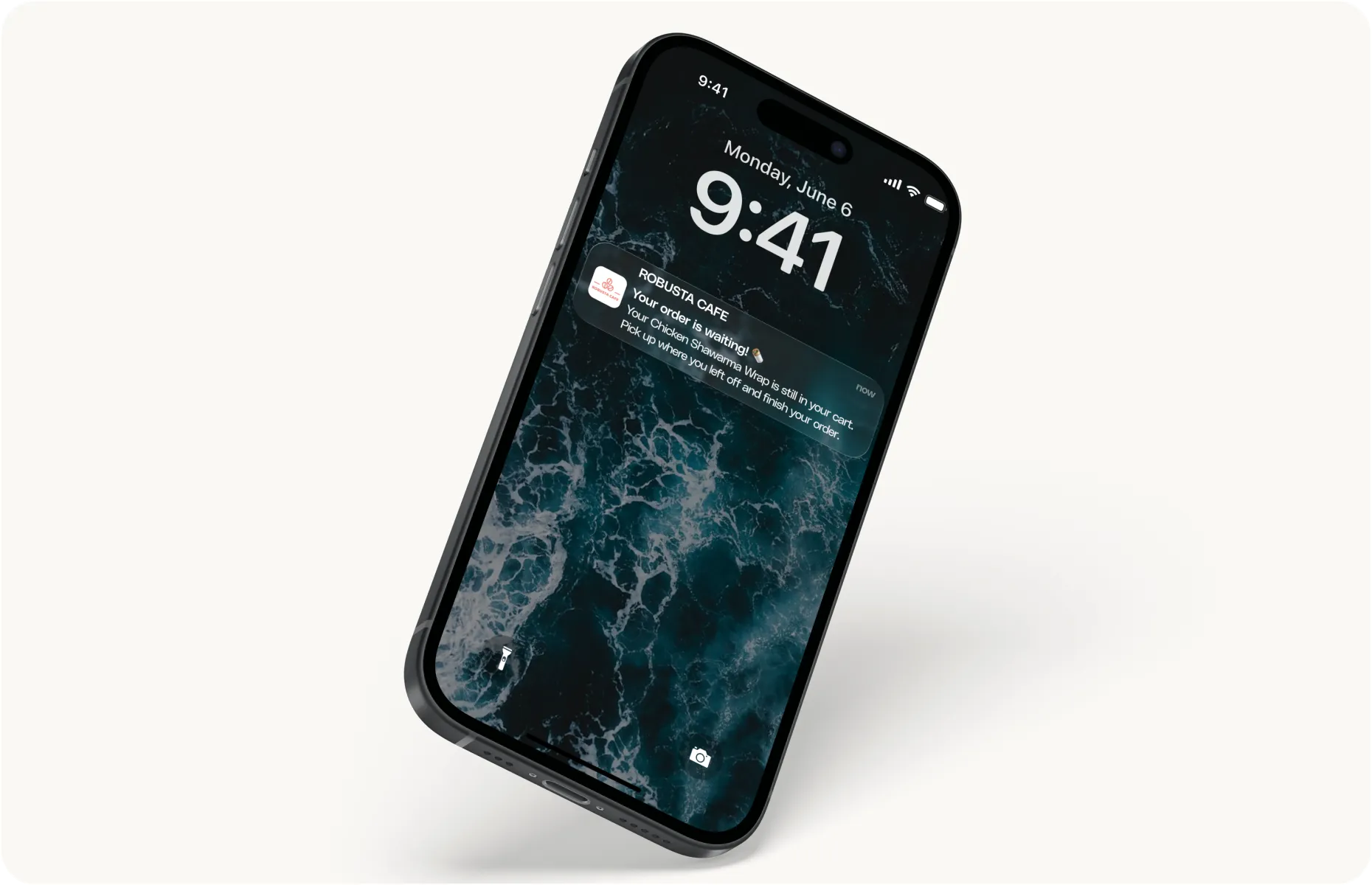
A welcome should not become a new task every time someone joins.
The next customer who joins should receive it without your team reopening the customer list, checking their orders and remembering to send a message. The same goes for the customer after that, even during your busiest service.
Customer journeys make that possible. You decide what starts the communication, how long to wait and what should happen next. The system handles each eligible customer individually, following the rules you have set.
The part worth getting right is how those rules respond when the customer’s behavior changes.
What Should Start a Customer Journey?
Choose a specific event or condition, such as a signup without a purchase, an abandoned cart or a period without orders. Then define what would make the journey successful.
For a cart reminder, success is a completed purchase. For a welcome sequence, it might be the guest’s first order.
That distinction matters when choosing the message. Someone who has already selected a chicken shawarma wrap needs an easy route back to checkout. Someone who signed up but never browsed may need a reason to explore the menu.
Per Diem’s ready-made Customer Journeys provide starting points for these situations, with timing and messages you can adjust.
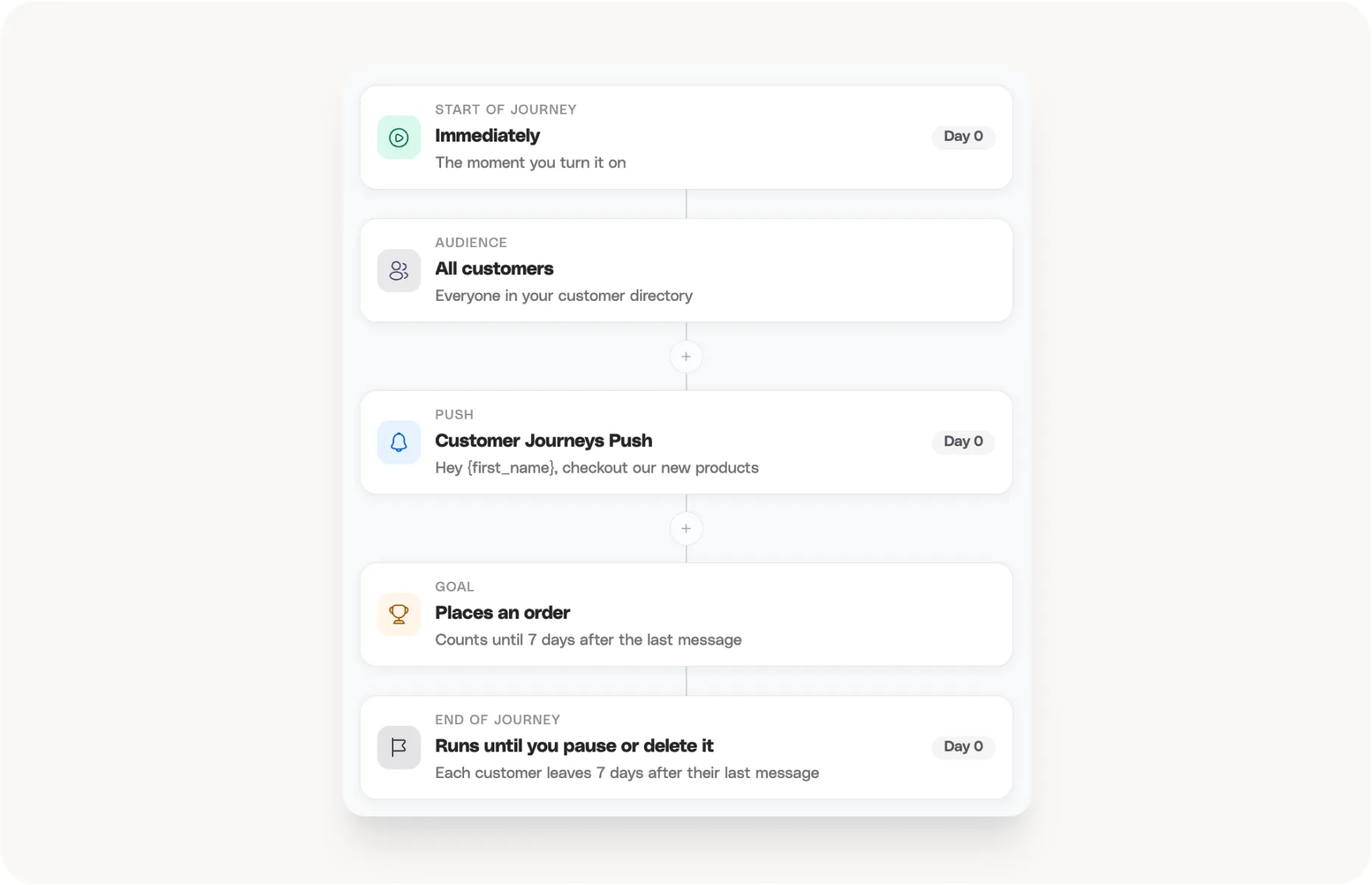
How Should an Abandoned Cart Reminder Work?
A cart reminder has a short useful life. Lunch plans change quickly, and the customer may already have purchased another way.
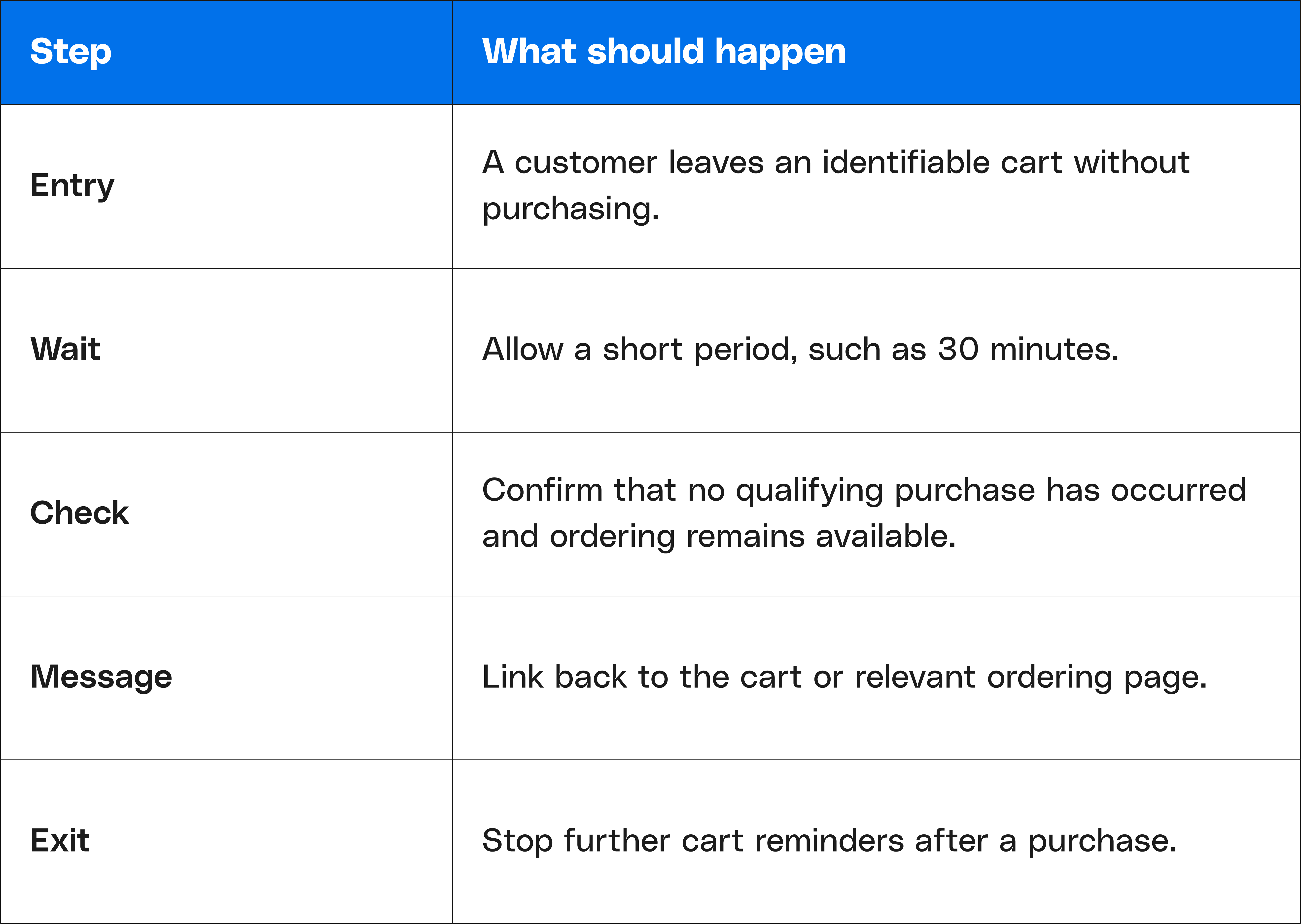
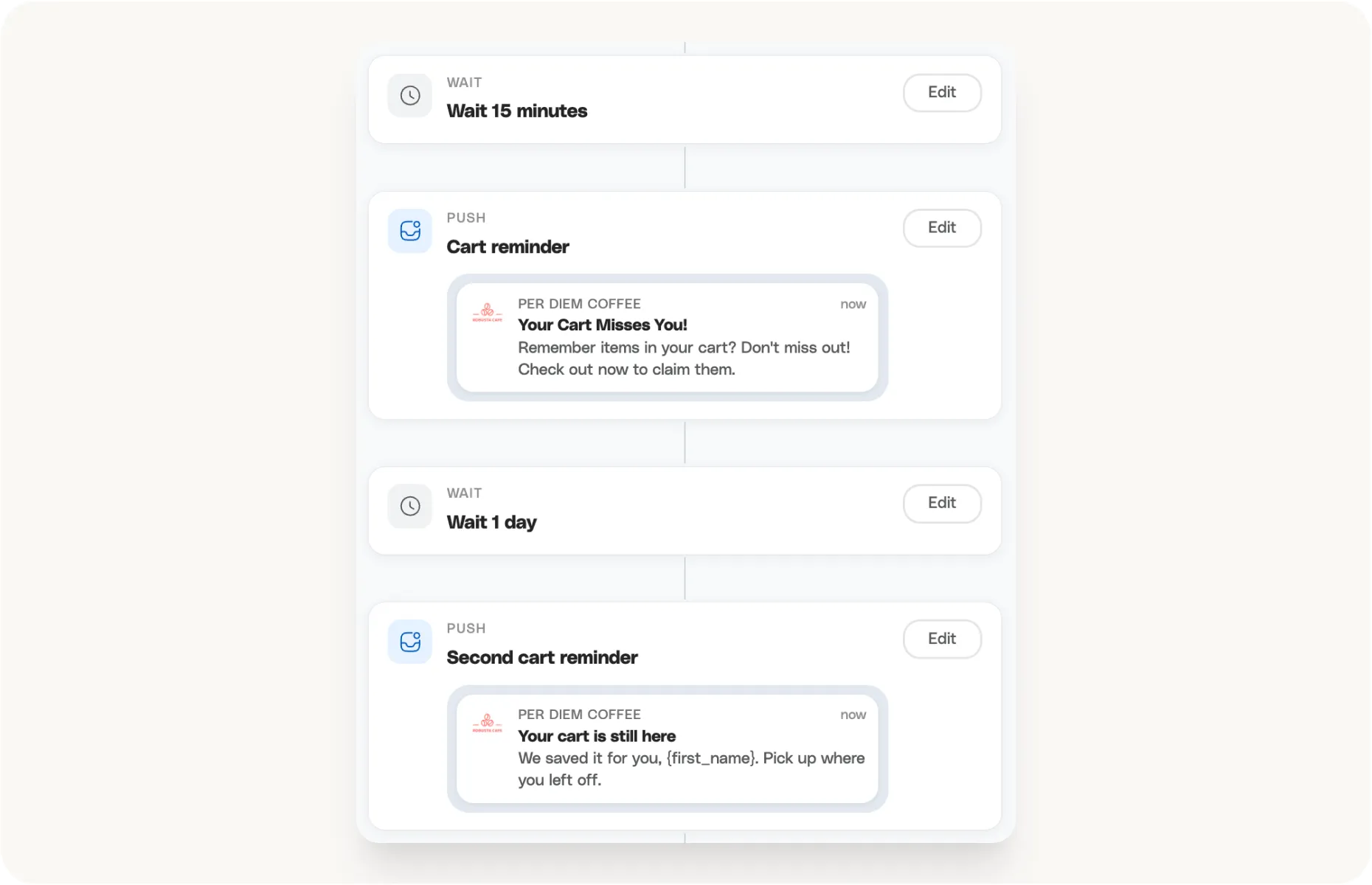
Here is an illustrative sequence, with timing to test against your restaurant’s ordering patterns:
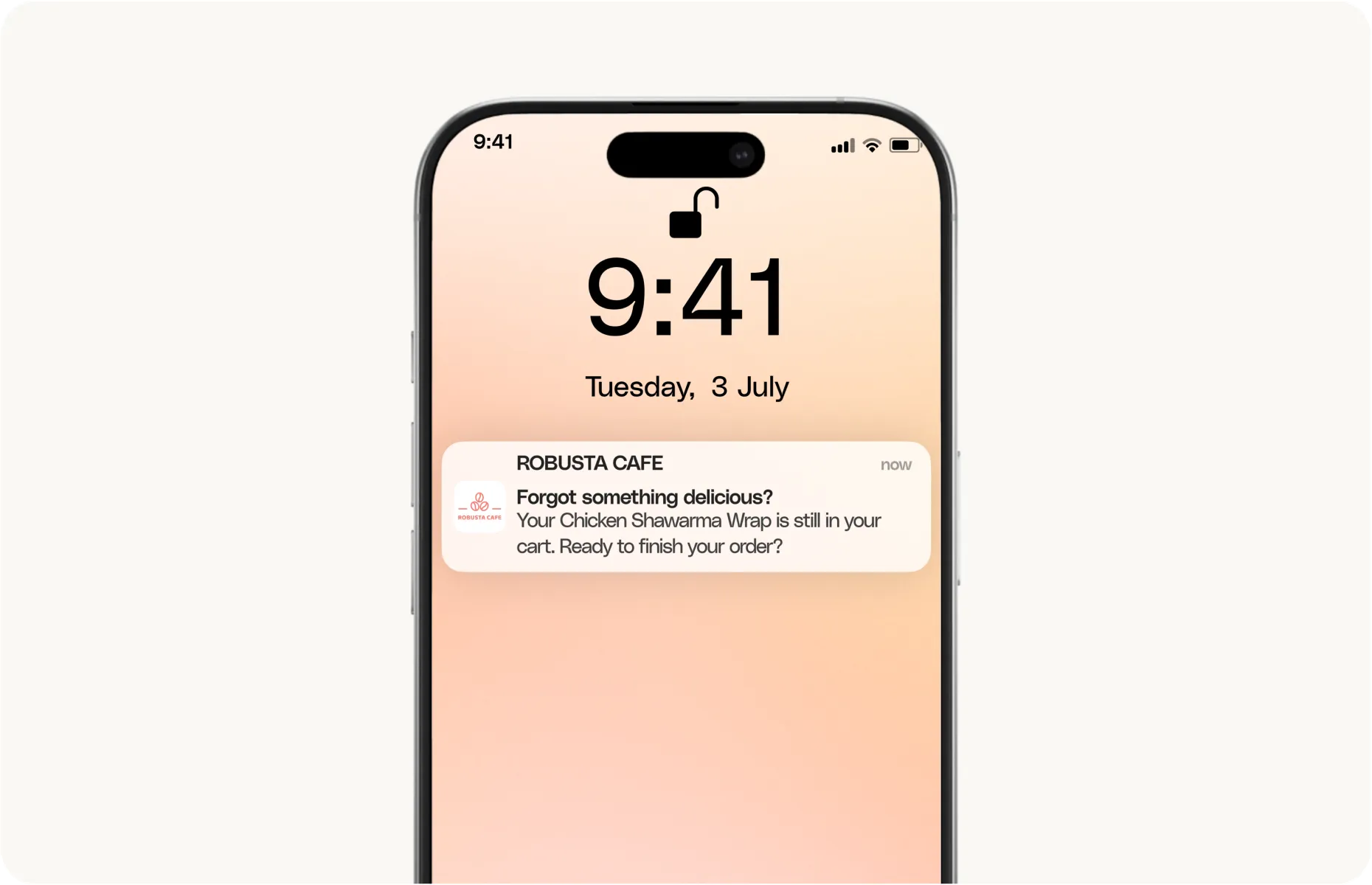
A message could read:
Your shawarma wrap is still in your cart. Ready to order? Check today’s pickup times in the app.
Use a general reminder if the system cannot reliably insert the abandoned item. Avoid suggesting that food is reserved or a pickup time is guaranteed unless that is true.
Check the timing against kitchen hours. A cart created shortly before closing may leave little room for a useful reminder. Scheduled dinner orders may allow a longer window.
If customers repeatedly leave at the same checkout step, investigate it. Unexpected charges, unavailable pickup slots or payment problems need fixing alongside the communication.
How Should You Automate a Return Campaign?
Set the inactivity period around a reasonable expectation of another purchase.
Where enough history is available, consider the guest’s usual frequency. Three weeks without an order means something different for a twice-weekly lunch customer and a monthly pizza customer.
Before sending, check linked purchases across the app, website, and POS. For a restaurant group, check other locations too. Someone who now buys from your second branch is still a customer of the business.
The first message should give them a useful reason to return. A familiar dish, convenient pickup or a genuine menu update may be enough:
Tomato soup is back on the lunch menu. Order ahead for pickup this week.
Before any second message, check for another purchase. If the guest returned, end the reminder sequence. If they did not, consider whether another contact offers something useful. Any incentive should have a clear cost, valid dates and redemption conditions.
How Do You Prevent Overlapping Messages?
Review automated journeys alongside your regular promotions.
A customer eligible for a return reminder might also be included in Friday’s pizza announcement. Decide which message takes priority and how much space to leave between contacts. Receiving push, SMS, and email about the same offer can feel repetitive even when each channel has its own schedule.
Also consider when someone can enter the same journey again. Remaining inactive should not cause a guest to restart a return campaign every day. Check how your platform handles repeat eligibility and use the available controls accordingly.
What Should You Test Before Switching a Journey On?
Walk through three customer paths: someone who purchases immediately, someone who purchases during the waiting period, and someone who never responds.
Check the message, destination link, quiet hours, and exit behavior for each. Where purchases are linked, a counter order should stop an obsolete reminder just as an app order would.
After launch, review whether the sequence is reaching eligible customers and stopping when its job is done. Revisit it when menus, hours, or offers change.
The time saving comes from letting a well-planned sequence handle recurring work. Keeping it accurate makes that saved time worthwhile.
Explore Per Diem’s Customer Journeys and see how the timing, messages and purchase conditions work. Book a demo