






















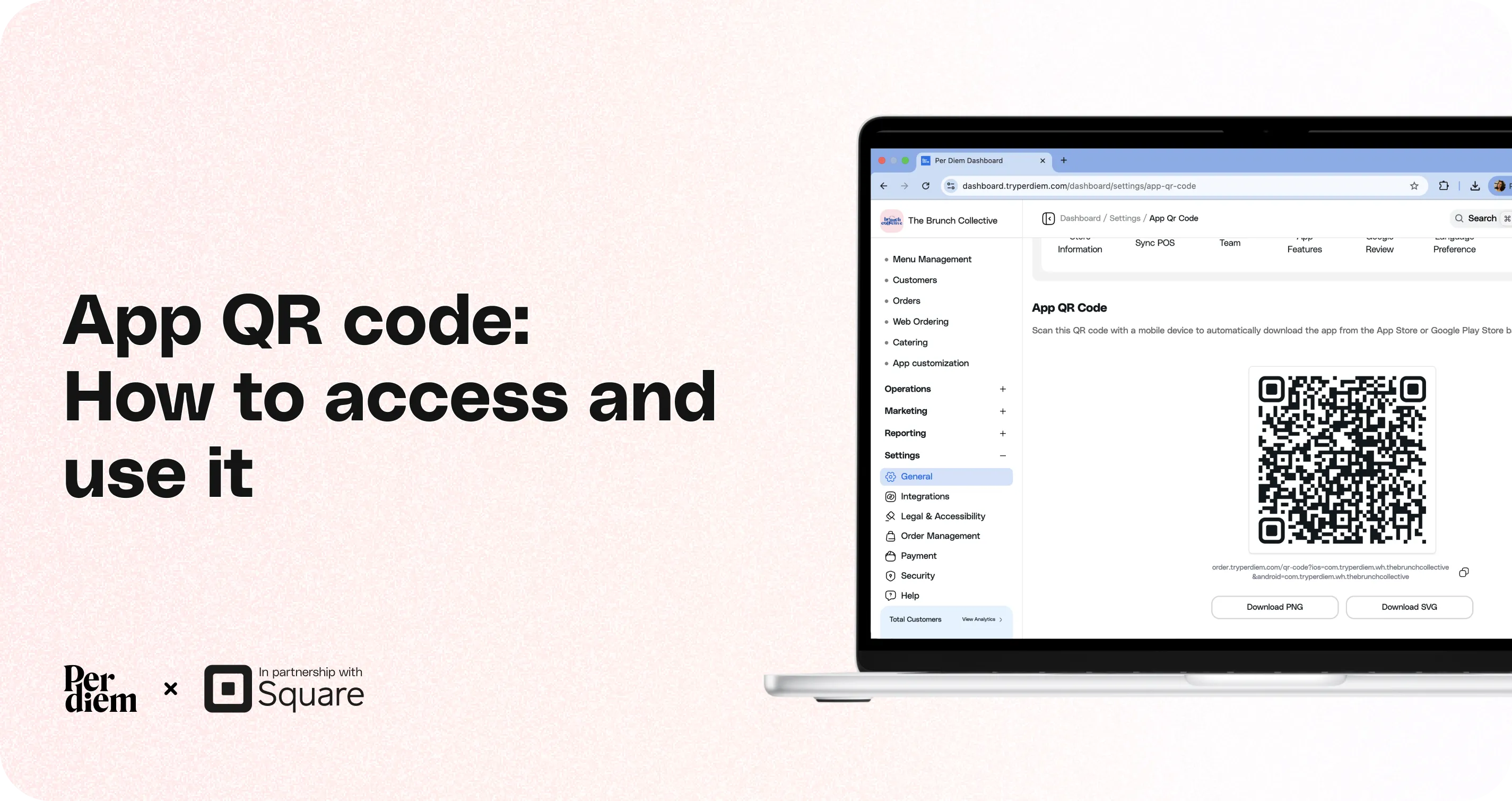
App QR Code: How to Access and Use It
This guide explains how to access your App QR Code and how it can be used to help customers quickly download your mobile ordering app.
Still require support?
Contact support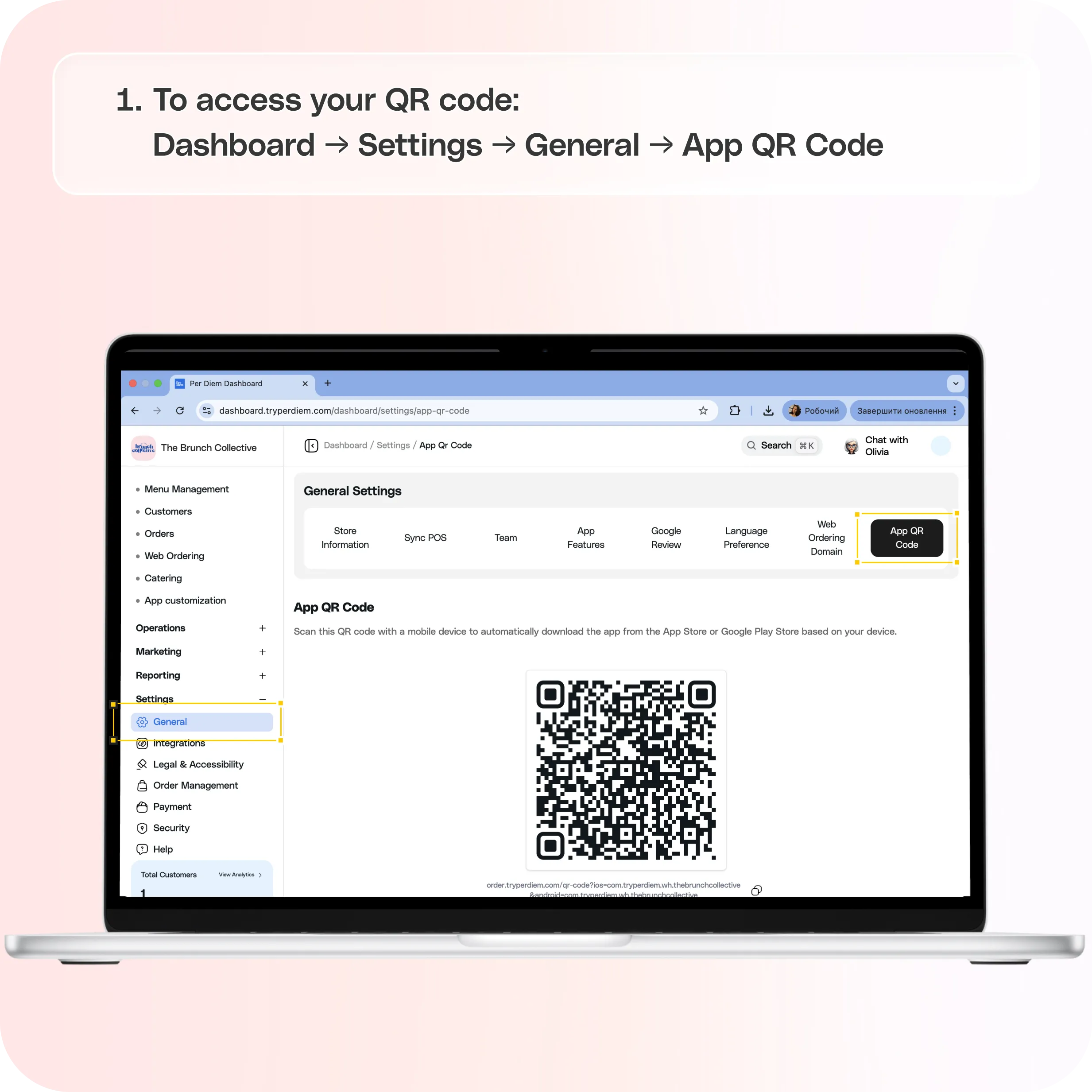
The QR code allows customers to scan with their mobile device and automatically open the correct app store based on their device type.
- iPhone users will be directed to the **Apple App Store
** - Android users will be directed to the **Google Play Store
**
This makes it easy for customers to install your app in seconds.
To access your QR code:
Dashboard → Settings → General → App QR Code
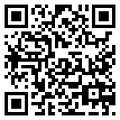
On this page, you will see a unique QR code linked to your mobile app.
How the App QR Code Works
When a customer scans the QR code using their phone camera:
- The QR code automatically detects the type of device.
- The customer is redirected to the correct app store.
- They can immediately download your mobile ordering app.
This removes the need for customers to manually search for your app in the app store.
Downloading the QR Code
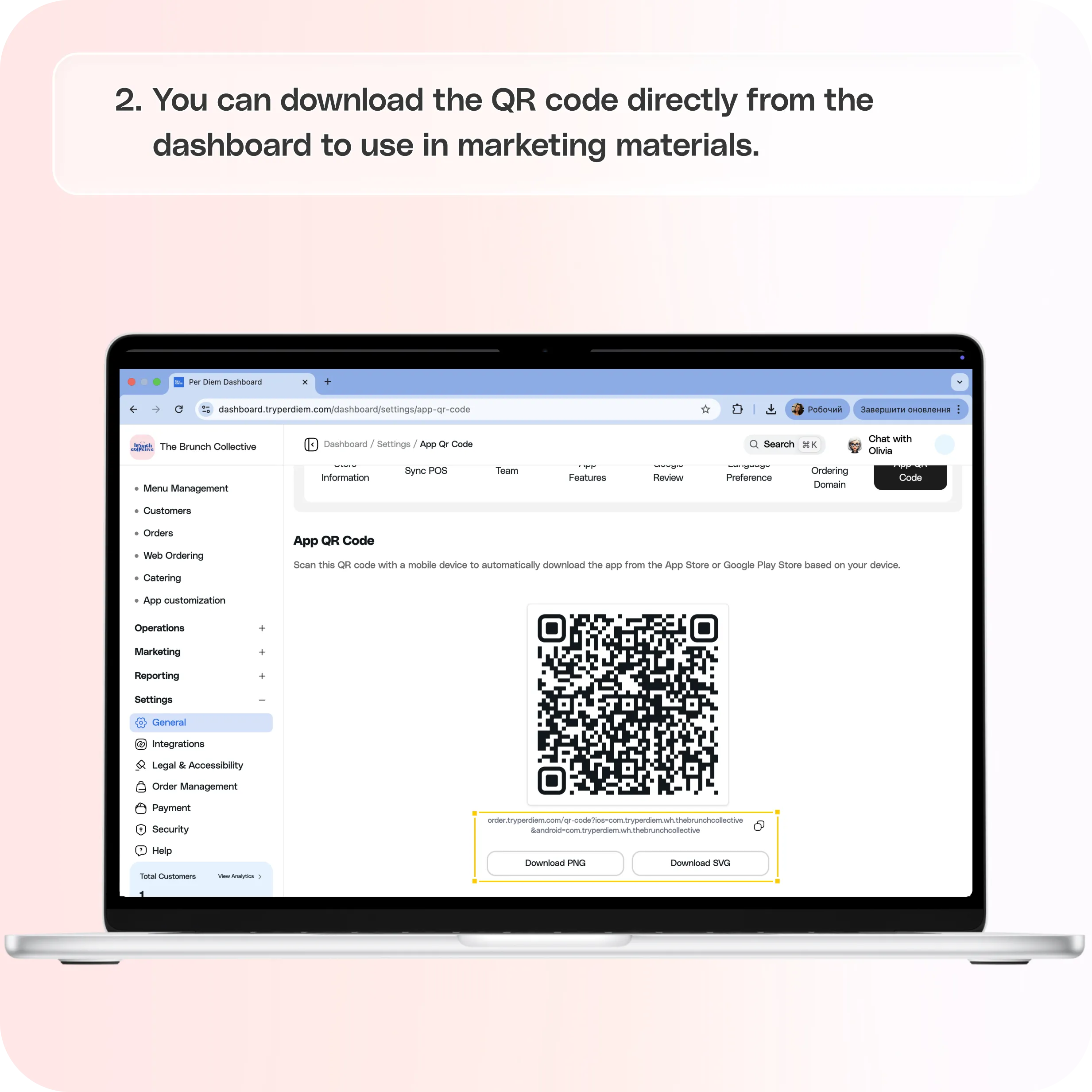
You can download the QR code directly from the dashboard to use in marketing materials.
Two file formats are available:
Download PNG
A standard image format that works well for:
- Printing stickers
- Flyers
- Table tents
- Social media posts
Download SVG
A scalable vector format that is ideal for:
- Large prints
- Professional design files
- High-resolution marketing materials
SVG files maintain quality at any size without becoming blurry.
Where to Use the App QR Code
The QR code can be used in multiple places to encourage customers to download your app.
Common uses include:
- In-store signage
- Counter displays
- Table tents
- Window stickers
- Printed receipts
- Flyers or promotional materials
- Social media posts
- Email marketing
Making the QR code visible inside your store helps drive more app downloads and repeat orders.
Best Practices
To get the most value from your app QR code:
- Place it in visible areas inside your store
- Include a short message such as **“Scan to download our app”
** - Add it to printed marketing materials
- Use it in email and social campaigns promoting your mobile app
This makes it easier for customers to discover and download your app.
Still have questions?Contact us
Ask anything or just say hi