


























Enable Uber Eats delivery in your app
Instructions
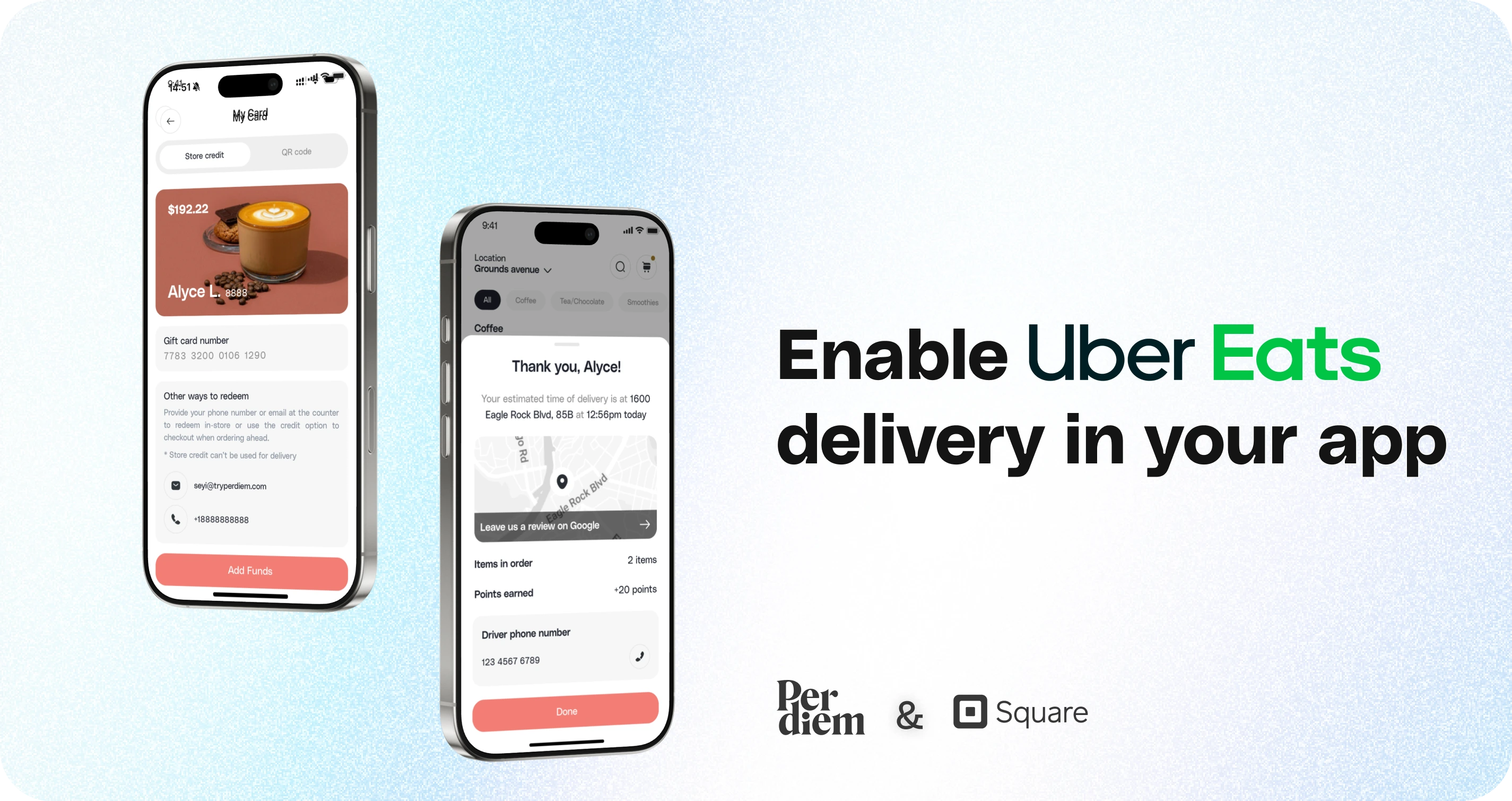
- Request the switch to Uber Eats
- Complete the form
- Set up your Uber Eats account
- Enable store credit and set a lower minimum delivery amount
Still require support?
Contact support1. Request the Switch to Uber Eats
If you’re currently using DoorDash and want to switch to Uber Eats for delivery, send us a request. We’ll enable the Uber Eats delivery option for your account.
2. Complete the Form
After we’ve activated Uber Eats for you, you’ll need to fill out a form in the app. Once submitted, you’ll receive an email from Uber Eats with instructions to continue the setup.
3. Set Up Your Uber Eats Account
Once you receive the email from Uber Eats, follow the steps to create your account and add a billing method (such as a credit card). Uber Eats will bill you directly for deliveries, but this setup will also allow you to accept store credit as a payment option for deliveries placed via Uber Eats.
4. Enable Store Credit and Set a Lower Minimum Delivery Amount
With Uber Eats now connected, you can choose to enable store credit payments for deliveries and set a lower minimum delivery amount, giving you more control over your delivery options and making it easier for customers to place smaller orders.
Want to move from DoorDash to Uber Eats? Click here to send a request.
Still have questions?Contact us
Ask anything or just say hi