

















Merchandising and flow
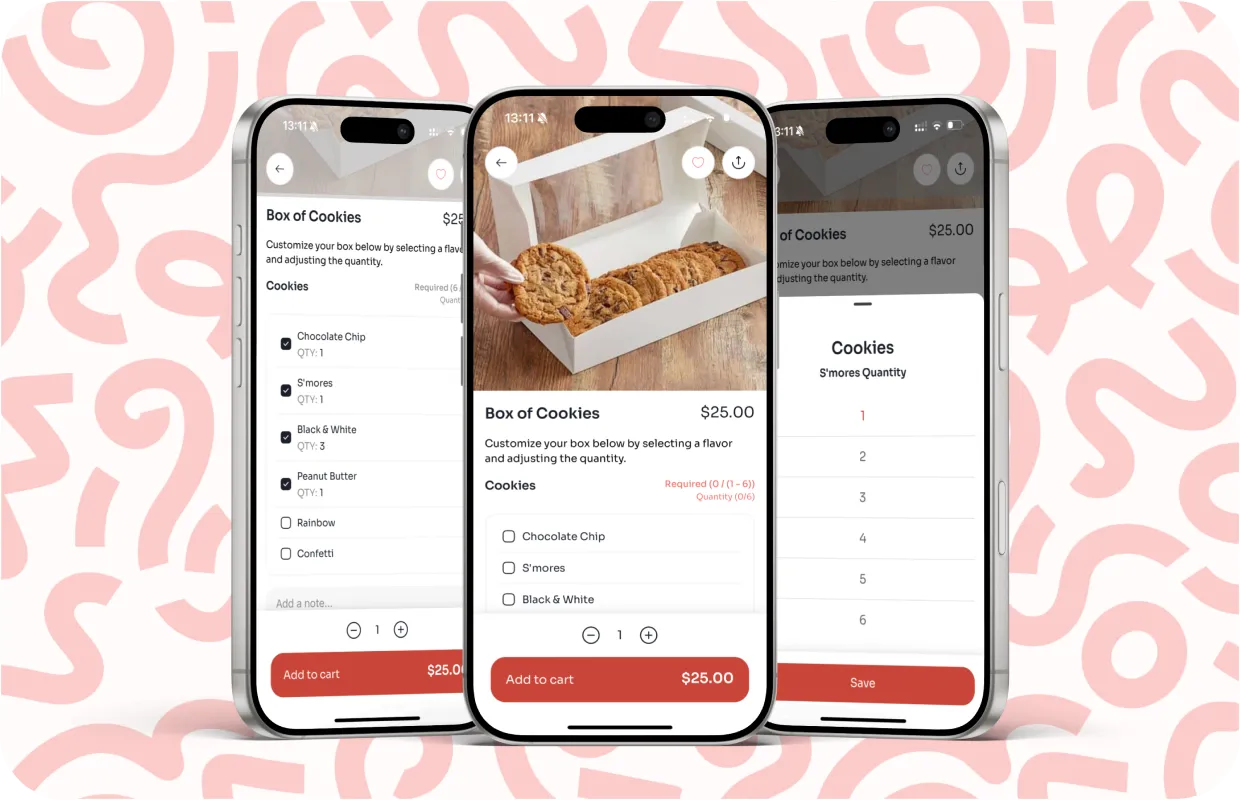
This part of the menu influences the entire customer journey. Every tap, visual cue, and choice should flow cleanly from one step to the next. A good menu behaves like a tour guide. It shows the right things at the right time and makes the whole process feel effortless.
Seasonal or limited-time items can drive up to 20–35% higher order engagement when they are clearly separated from the core menu instead of mixed in.
Build Your Box feature setup
Build Your Box gives customers a simple way to create their own bundle without typing notes or requesting custom changes. It works especially well for bakeries, cafes with set packs, snack boxes, or any business that sells curated selections. You build it at the item level. The box itself is just an item in your catalog, and the choices inside it come from the modifier groups you already have in Square. Per Diem uses those groups and gives you flexible controls so each box feels guided and easy to complete.
Here is the cleanest way to set it up using your menu tools:
- Log in to your merchant dashboard.
- From the left menu, open Items.
- Select the item you want to turn into a box from the All Items list.
- Click Edit Item on the action bar.
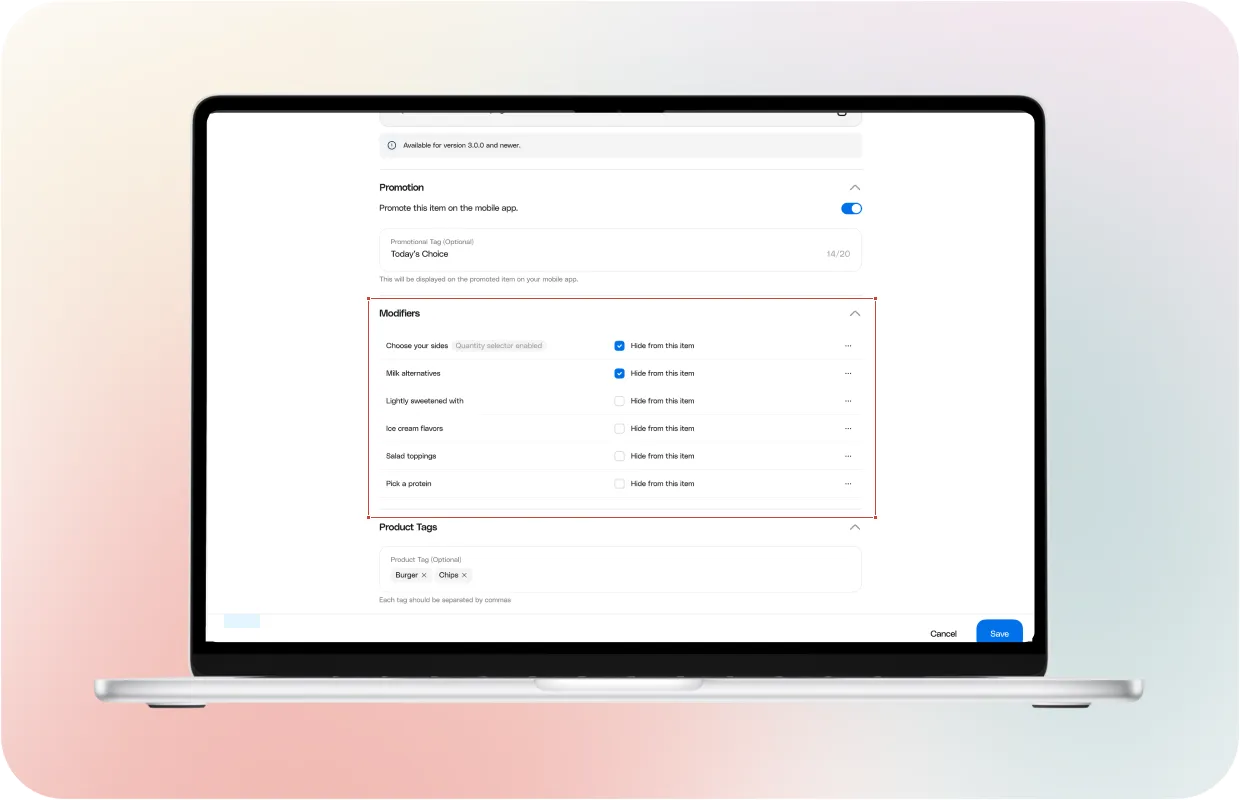
- Scroll to the Modifiers section and click Customize beside the modifier group you want to use for box choices.
- Set the minimum and maximum quantities your box requires.
- Add or adjust sub modifiers if you need to expand the choices.
- Save your changes.
Once you finish, customers see a guided picker that walks them through each choice. They tap their selections, watch the box fill up, and move straight to checkout with no confusion. This feature also keeps your operations clean. You control how many items they must pick, which groups apply to each box, and how variations flow into your Square orders. It reduces mistakes and lets you offer a polished build-your-own experience without extra tools.
Designing menus for higher conversion
High-converting menus rely on clarity. Customers should understand where to start, what the main items are, and how to complete an order with as few taps as possible.
Here are simple principles that help:
1. Lead with signature items
Your most loved items should appear near the top of the menu. Recognition helps customers move fast.
2. Avoid overwhelming category lists
Shorter category lists help users scan. Group items in a way that follows the natural order of your business, like breakfast first, then drinks, then sides.
3. Use visibility toggles with intention
Hide items that are unavailable or not meant for the day to avoid slowing customers down.
4. Use clear naming
Names should tell customers exactly what they are tapping into, especially on web ordering where SEO also plays a role.
Small adjustments like these reduce decision fatigue and guide customers toward meaningful choices.
Creating limited time offers
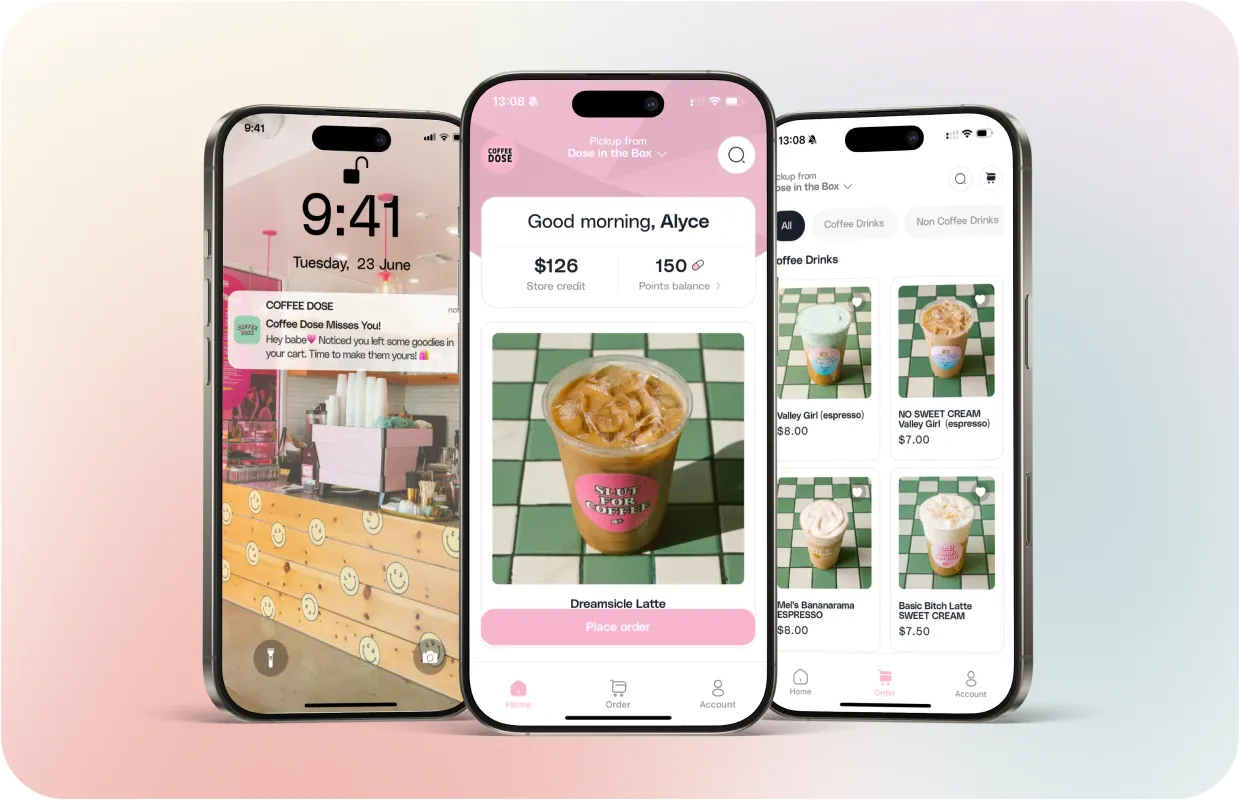
Limited-time offers keep your menu fresh and give customers a reason to return. Seasonal drinks, new flavors, or small experimental items can draw attention without cluttering your core lineup.
To launch a limited-time offer, set the item live, assign it to a seasonal category, and make it visible only during the period you want to promote. You can also attach a promotion tag or use push notifications to announce the release. This lets you test new ideas quickly while keeping your main menu steady.
Running seasonal promotions
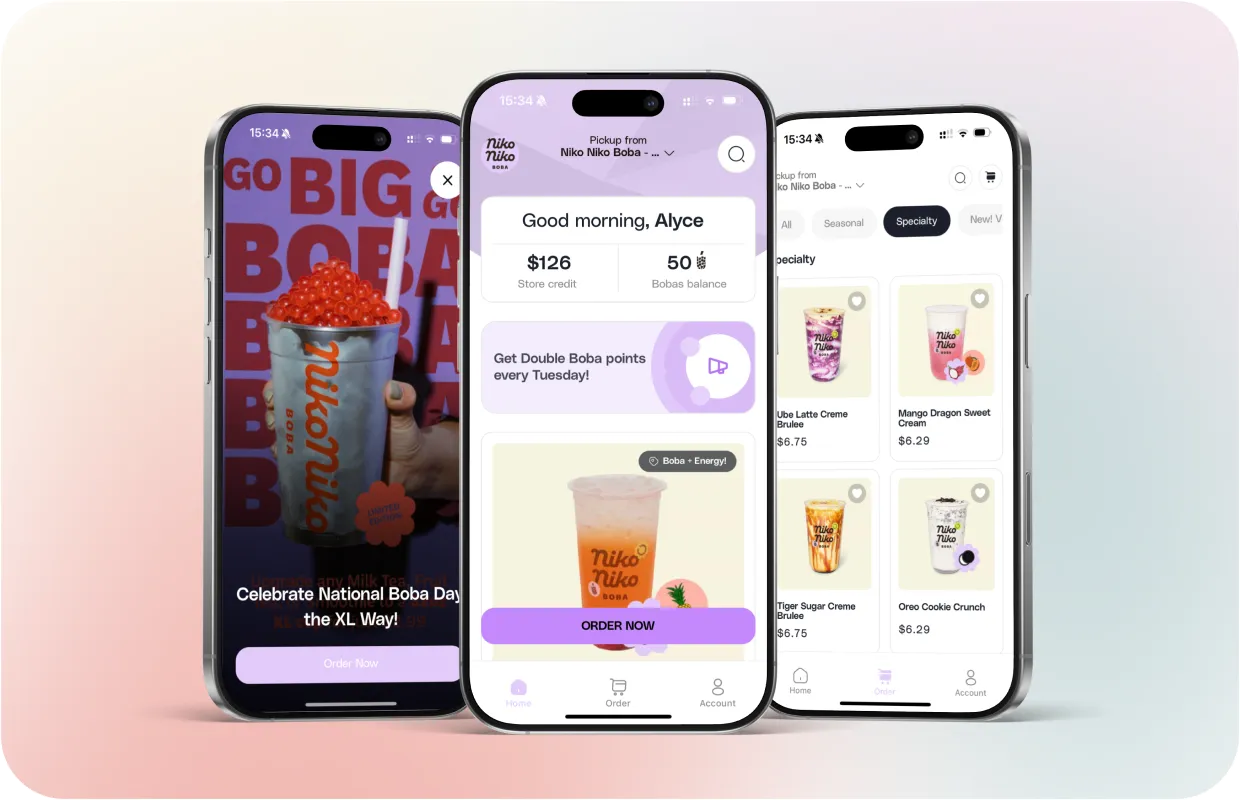
Seasonal promotions work best when they align with moments customers already care about. Holidays, weather changes, local events, and cultural traditions all create natural reasons for limited items or small bundles. When you match your menu to these moments, customers feel a stronger pull to try something new.
Plan your seasonal items ahead of time. Keep them hidden until launch day, set a clean schedule, and highlight them with a banner or a short notification. This keeps your menu fresh without forcing your team to scramble during busy weeks.
You also have a built-in advantage inside your dashboard. You can browse a full calendar of upcoming holidays and special moments for the entire year. Choose the day you want to leverage, review the ready-made push notification and promotion, and save. The system handles the timing for you. The promotion goes live on the right day, and you stay focused on operations instead of marketing tasks.
This approach makes each release feel intentional and removes a huge amount of manual work. It also keeps your app active with fresh reasons for customers to return.
Menu layout strategies for faster checkout
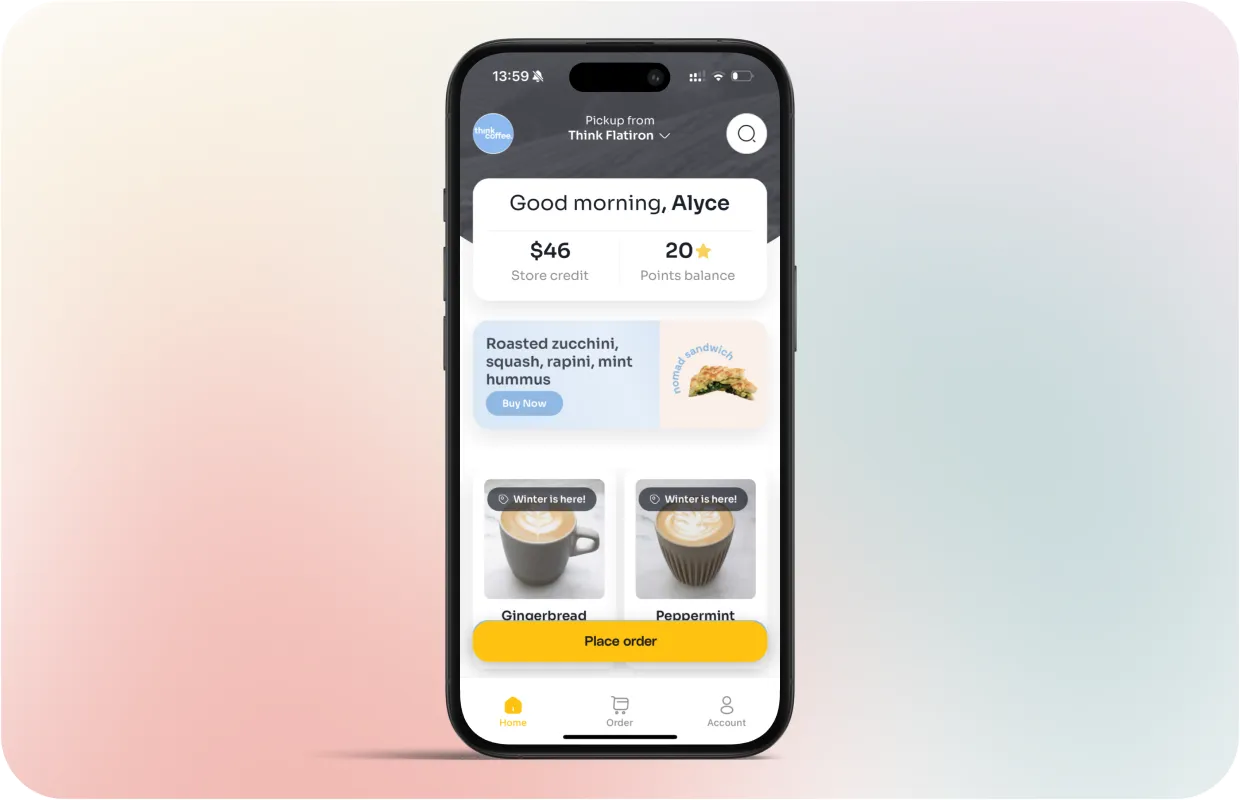
Fast checkout starts with clarity. Customers move quickly when the menu feels predictable and logical.
A few layout choices help:
Keep top sellers above the fold so customers find them immediately.
Group related items tightly to avoid unnecessary scrolling.
Use short, simple item names to improve scanning speed.
When customers reach checkout faster, conversion rises, and session drop off falls. A smooth menu is one of the strongest drivers of online performance.