
























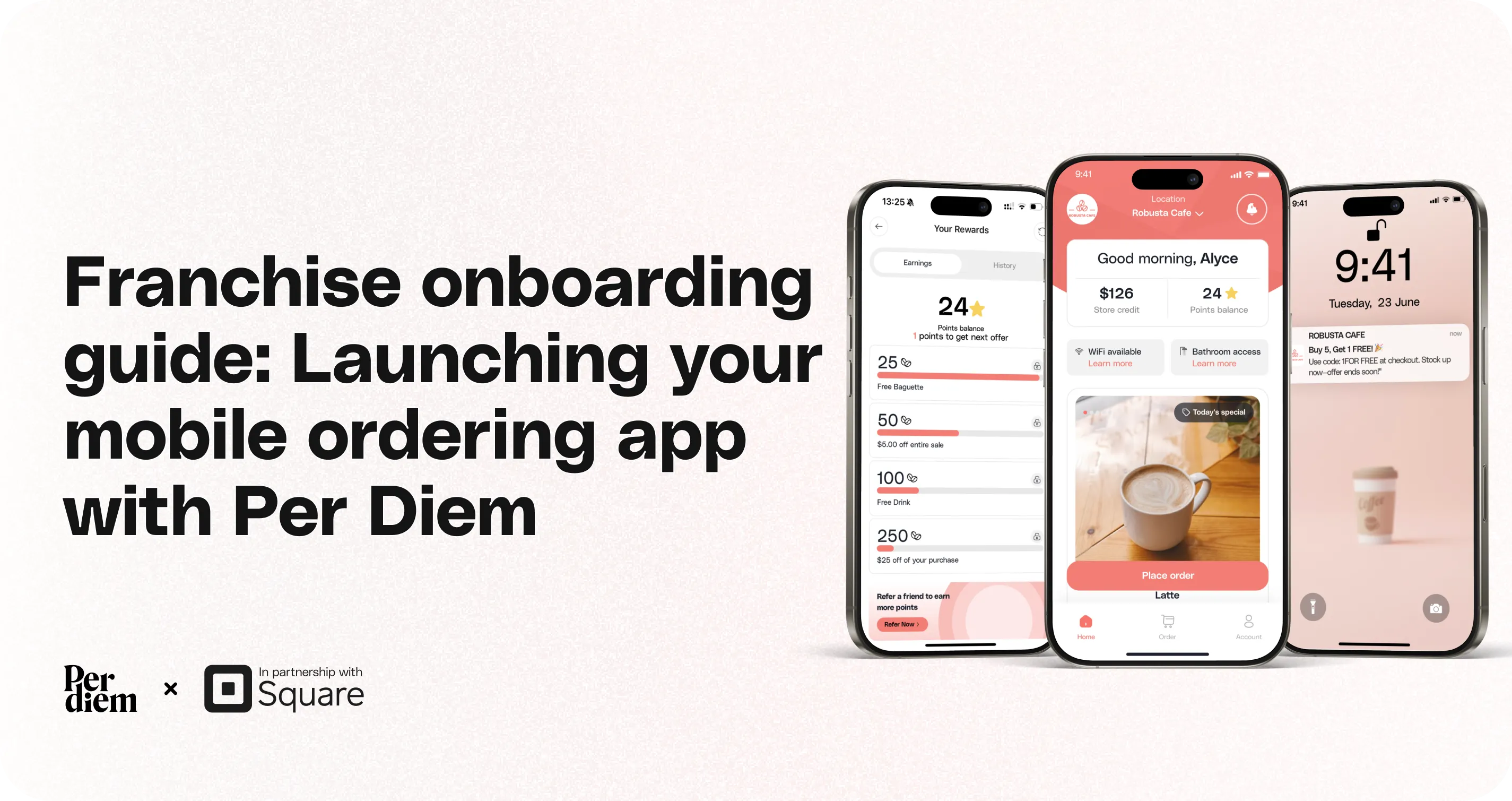
Franchise Onboarding Guide: Launching Your Mobile Ordering App with Per Diem
This guide walks franchise partners through the onboarding process after signing up with Per Diem. The steps below outline what to expect from initial setup to launching your ordering app and rolling it out across locations. The onboarding process is designed to ensure your app is properly configured, tested, and promoted so you can begin receiving orders smoothly from day one.
Instructions
Still require support?
Contact support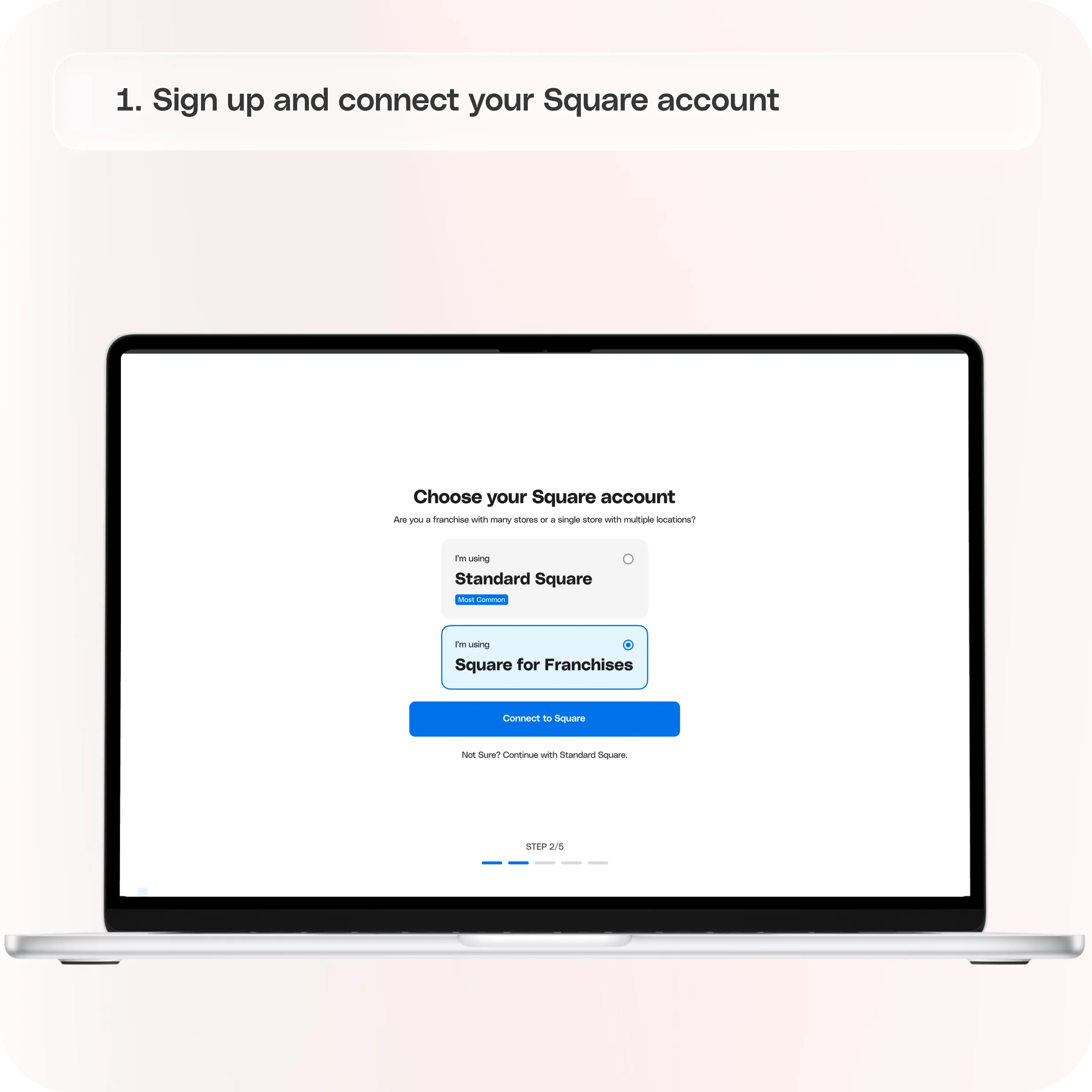
Step 1: Sign Up and Connect Your Square Account
After signing up, the first step is connecting your Square account with Per Diem from the dashboard.
This connection allows the system to automatically sync important information such as:
- Menu items
- Pricing
- Modifiers
- Categories
- Location data
Once connected, your menu and store data will begin syncing into the system.
**
Step 2: Your Mobile Ordering App Is Built**
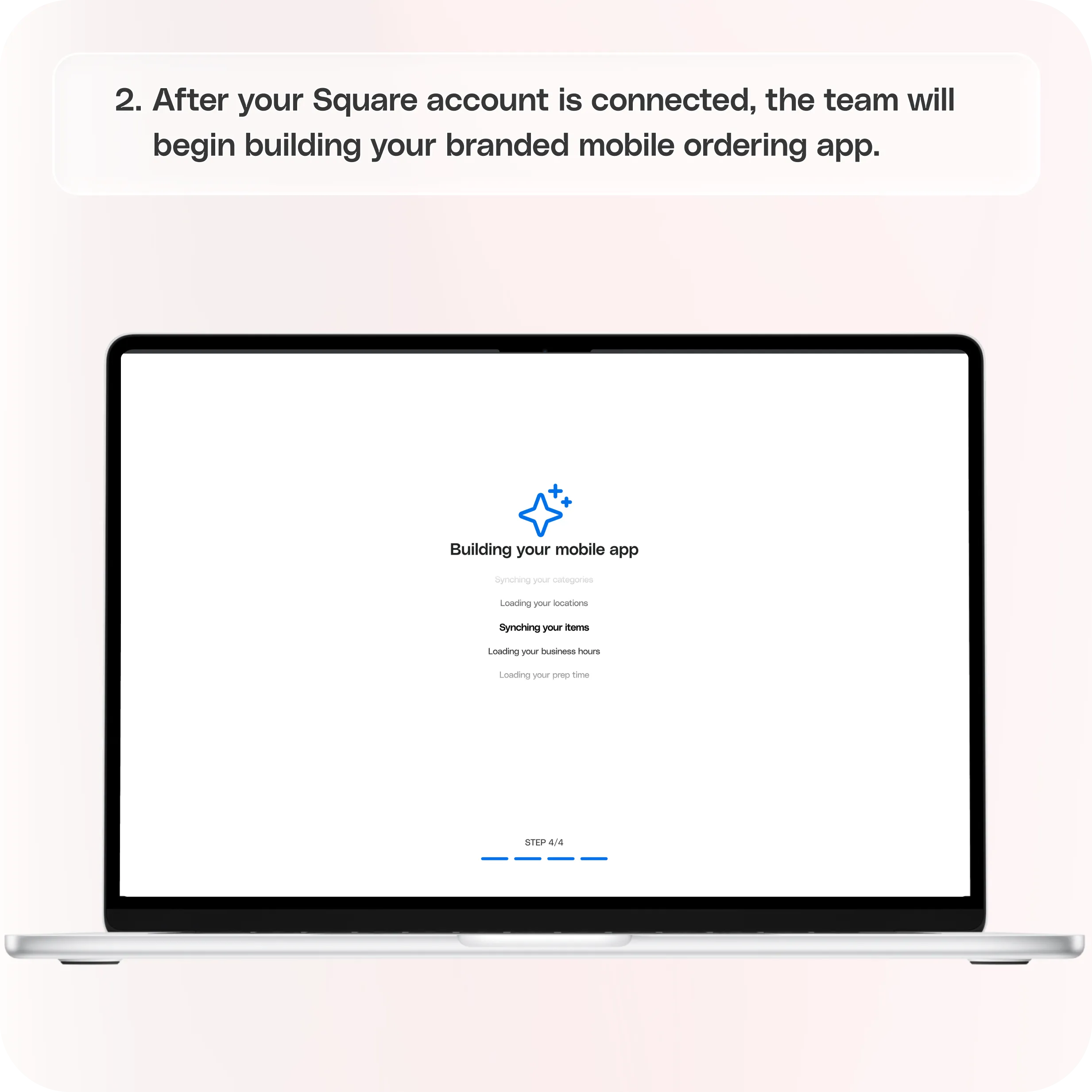
After your Square account is connected, the team will begin building your branded mobile ordering app.
During this stage, the app will be configured to reflect your brand and ordering experience, including:
- Menu setup and ordering flow
- Brand assets such as logos and colors
- Store configuration for locations
This process ensures the app aligns with your brand while working seamlessly with your Square setup.
Step 3: Order Testing Period
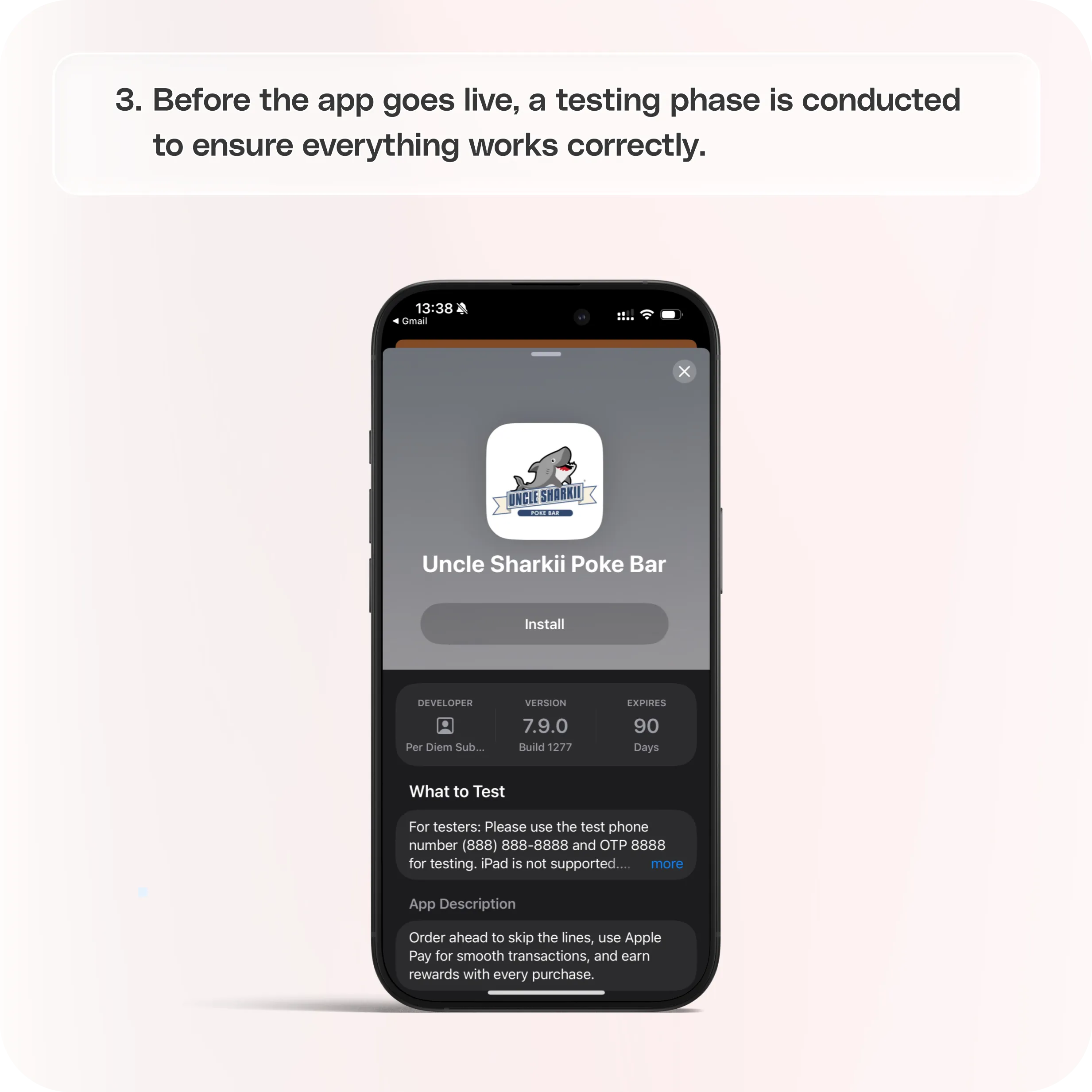
Before the app goes live, a testing phase is conducted to ensure everything works correctly.
During testing, you will:
- Place test orders through the app
- Confirm orders appear correctly in your system
- Verify menu items, modifiers, and pricing
- Test the pickup and fulfillment process
This step helps identify and resolve any issues before customers begin placing real orders.
Step 4: Align on Your Go-Live Date
Once testing is completed successfully, a go-live date will be selected for launching your new app.
Setting a launch date provides time to prepare internal teams and communicate the upcoming launch across franchise locations.
Step 5: Inform Franchisees of the App Change and Billing Adjustment
If your brand includes multiple franchise locations, franchisees should be notified about:
- The new mobile ordering app launch
- Any billing adjustments related to the new platform
- The timeline for switching from the previous system
Clear communication helps ensure a smooth transition across all locations.
Step 6: Send Payment Link to Franchisees
Once franchisees have been informed, payment links can be shared with each location so they can complete onboarding for the new platform.
Each franchise location must complete payment before their location can be activated in the system.
Step 7: Franchisees Complete Payment
After receiving the payment link, franchisees will finalize their onboarding by completing payment.
Once completed, their location will be ready to be activated in the new app.
Step 8: Receive Marketing Collateral
After onboarding is completed, a shared Google Drive folder will be provided containing marketing collateral to help promote the new app.
These materials typically include:
- QR code stickers for in-store promotion
- A dedicated landing page with app download links
- Additional promotional assets to help drive installs
These resources make it easy to start encouraging customers to download and use the app.
Step 9: App Launch on the App Store and Google Play
Once everything is finalized, your mobile app will be launched on both platforms:
- Apple App Store
- Google Play Store
Customers will then be able to download your branded app directly from their devices.
Step 10: Announce the New App to Customers
After the app is live, it is time to promote it to customers.
Recommended launch activities include:
- Sending email announcements to your customer list
- Posting about the new app on social media
- Promoting app-exclusive offers to encourage downloads
The goal is to quickly drive installs and start generating orders through the new platform.
**
Step 11: Promote the New App in Your Existing App**
If you previously had another mobile app, add a banner in the old app directing users to download the new one.
This helps transition existing customers to the updated ordering experience.
Step 12: Roll Out Locations Gradually
Locations can be activated individually as you are ready to roll them out.
This allows you to:
- Launch a few locations first
- Monitor performance and operations
- Gradually activate additional franchise locations
A gradual rollout ensures each location transitions smoothly without overwhelming staff.
Still have questions?Contact us
Ask anything or just say hi